When the Drive Dies at 2 A.M.: A Homelab Recovery Drill You Can Actually Practice
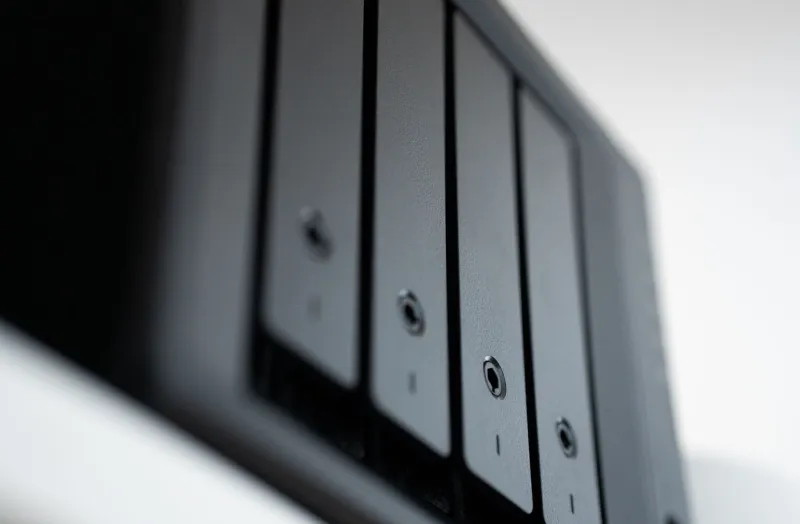
Every homelabber has a story. Mine involves a five-year-old WD Blue, a Sunday morning, and the distinct click-click-click of a drive that had decided it was done with this world. The Proxmox node booted fine. The VMs did not.
Here's the thing: I wasn't even that upset, because six months earlier I'd done what most of us put off — I ran a full disaster recovery drill. I pulled the plug on a test box, wiped it, and practiced restoring everything from scratch. When the real failure hit, I was annoyed, not panicked. That's the goal of this guide.
Assume Failure Is Scheduled
The homelab mindset trap is that we build for fun, so we treat resilience as optional. But if your family uses your Nextcloud instance, your Plex server, or your Home Assistant setup, your "hobby" is quietly production infrastructure. Treat it that way.
The classic rule still applies: 3-2-1 backups — three copies of your data, two different media, one offsite. In a homelab context that usually looks like:
- Copy one: Your live data on the host.
- Copy two: Automated backups to a NAS or a second machine. Proxmox Backup Server is fantastic here and free;
vzdumpworks in a pinch. - Copy three: Offsite. Backblaze B2 is popular with US homelabbers and cheap at small scales.
resticorborgbackuphandle the encrypted push nicely.
If you're running bare Docker on a single box, back up your compose files, volumes, and any databases with docker exec db pg_dump ... on a cron job — not just the volumes, which can contain inconsistent database states.
Snapshots Are Not Backups
Say it with me, because we all learn this the hard way: a snapshot lives on the same hardware as the source. ZFS snapshots and Proxmox snapshots are brilliant for rolling back a bad update at 9 p.m. They're useless when the disk itself dies at 2 a.m.
Use snapshots for revert, backups for recover, and don't confuse the two. Proxmox's built-in backup mode (especially the snapshot mode with PBS) gives you both worlds if you point it at different storage.
Bare-Metal Restore: Clonezilla and Friends
When the host itself is the casualty, you need a bare-metal plan. A few solid options:
- Clonezilla: Free, battle-tested, and it'll image a whole disk to a USB drive or network share. Clunky interface, incredible results. Image your hypervisor host (or a minimal Debian box) once a quarter.
- Proxmox + PBS: If your VMs are all that matters, a fresh Proxmox install plus a restore from Proxmox Backup Server gets you running in under an hour.
- ReaR (Relax-and-Recover): Underrated Linux rescue image tool that creates a bootable recovery ISO of your running system.
Whatever you pick, the restore has to be practiced. An untested backup is a rumor, not a plan.
Write the Runbook (Yes, Actually Write It)
When things break, you don't want to be reverse-engineering your own network config at midnight. Keep a runbook — a plain markdown file, synced somewhere off the lab itself — that covers:
- Inventory: Every machine, IP, and what runs on it.
ansibleor even a simple spreadsheet works. - Credentials: Password manager vault location and how to access it (not on the dead server, please).
- Restore order: DNS/DHCP first, then your reverse proxy, then core services, then the fun stuff. Nothing works if name resolution is down.
- Backup locations and restore commands, written out verbatim.
- Verification steps: How do you know it's actually fixed?
The Community Checklist
We asked around the portal's readers and distilled the most commonly skipped steps. Print this, tape it to your rack:
- Test-restore one VM or service every quarter
- Verify offsite backups actually complete (check the logs, not just the cron job)
- Keep a bootable rescue USB (Clonezilla, SystemRescue) in a drawer
- Document your router and switch configs — export them
- Label your drives and cables; future-you is a stranger
- Know your RPO: how much data can you afford to lose? An hour? A day? Back up accordingly
- Keep the runbook somewhere that survives the lab (printed copy counts)
Drill Day: Make It a Ritual
Pick a Saturday, grab coffee, and break something on purpose. Restore a VM from backup. Wipe a spare drive and re-image it. Time yourself. If a full restore takes twelve hours and you can't afford that, you've just learned something valuable for the cost of one weekend morning.
The homelab community's best-kept secret isn't some exotic ZFS setup — it's the folks who rehearse failure until it's boring. Make your next outage a non-event. Your 2 a.m. self will thank you.
Got a war story or a runbook improvement? The comments are open — this checklist is a living document, and it gets better every time someone shares what broke.